
 Tiếng Việt
 )
)CapCut Pro APK is a modified version of the popular video editor that gives Android users easier access to advanced editing tools, AI features, premium resources, and cleaner exports. On APKMODY, this version is suitable for creators who want to edit videos faster with fewer feature restrictions.
What Is CapCut Pro APK?
CapCut is a mobile video editing app for creating short videos, social media content, and more detailed projects directly on Android. It includes timeline editing, trimming, splitting, transitions, filters, text, music, keyframes, and other tools for building complete videos.
The CapCut app also includes AI-assisted features such as Auto Captions, background removal, text-to-speech, and automated editing tools.
CapCut Pro APK expands the standard experience by unlocking supported Premium resources and additional editing features. Depending on the build, users can access Pro effects, AI tools, watermark-free exports, and an ad-free interface.
The term CapCut MOD APK is often used for similar modified builds. However, online features that rely on CapCut servers, accounts, or credits may still have separate limitations.
CapCut Pro Features for Easier Editing
The main advantage of the Pro version is easier access to advanced tools that can speed up the editing process and provide more creative options.
Premium Unlocked
Premium Unlocked provides access to supported Pro effects, transitions, filters, fonts, text styles, and templates.
This gives users more options when creating social videos, promotional clips, or personal projects without relying only on free resources.
Premium tools can also help create more polished edits by adding smoother transitions, advanced effects, and higher-quality visual elements.
AI Features Unlocked
CapCut uses AI to automate several common editing tasks.
Supported functions may include Auto Captions, background removal, text-to-speech, smart cutouts, and other AI-assisted tools.
These features can reduce manual editing time, especially when creating subtitles, separating subjects from backgrounds, or preparing short-form videos.
Some AI functions depend on online processing, so availability can vary by version and account.
No Watermark
The No Watermark feature allows supported projects to be exported without additional CapCut branding.
This is useful for users creating videos for TikTok, YouTube, Instagram, client work, or other platforms where a clean export looks more professional.
It also removes the need to crop or re-edit a finished video just to remove branding.
No Ads
The No Ads feature reduces supported advertising interruptions while editing.
This helps users move between the timeline, effects, captions, templates, and export settings with fewer distractions.
A cleaner interface is especially useful when working on several videos or longer projects.
CapCut Pro Download for Android
A CapCut Pro download gives Android users access to CapCut’s familiar mobile editing environment with additional supported Pro features.
Before downloading, check the app version, Android requirement, file size, package name, and listed modifications. This helps confirm compatibility and ensures the build contains the features you expect.
Users looking for a CapCut MOD APK should verify whether Premium Unlocked, AI Features, No Watermark, and No Ads are included in the current release.
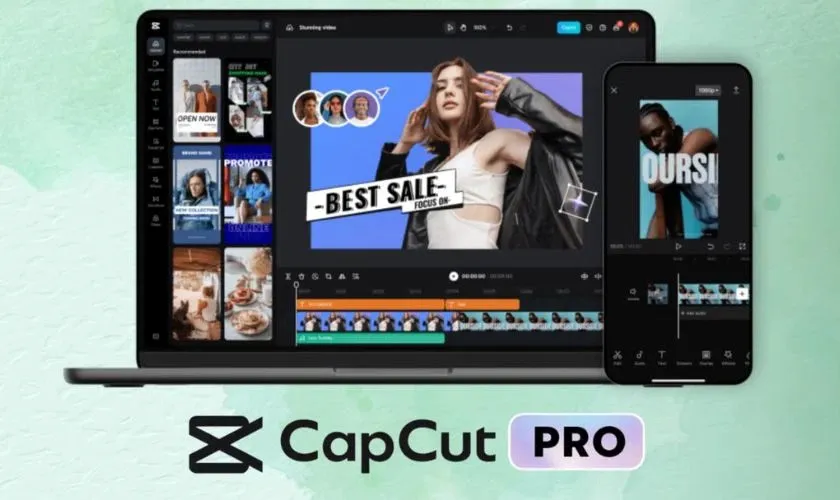
After installation, users can import media, edit clips on the timeline, add effects and captions, use supported AI functions, and export finished videos directly from Android.
Conclusion
CapCut Pro APK gives Android creators easier access to premium video editing tools, AI functions, and cleaner exports. Premium Unlocked, AI Features, No Watermark, and No Ads can make the editing workflow faster and more flexible without changing CapCut’s familiar interface.
For more creative apps, explore the Photography & Editing category. You can also try Alight Motion MOD APK for motion graphics, PicsArt MOD APK for visual editing, or Blackmagic Camera APK for advanced mobile recording.
Does CapCut Pro unlock Premium features?
Supported builds may unlock Pro effects, templates, filters, transitions, fonts, and other premium editing resources.
Are AI features available in CapCut Pro?
Some builds support AI tools such as Auto Captions, background removal, text-to-speech, and smart cutouts. Online features may still depend on CapCut servers or account access.
Does CapCut Pro remove the watermark?
Supported versions with No Watermark can export compatible projects without additional CapCut branding.
What is the difference between CapCut Pro APK and CapCut MOD APK?
The terms are commonly used for similar modified versions. The exact unlocked features depend on the individual APK build.